AI messages: what they do, and what they never do
Auto Swiper can draft an opener from what a match actually wrote in their profile. Here is how it works, what it costs, and why nothing is sent behind your back.
Matching is the easy half. Then there's a list of conversations that haven't started, and the knowledge that "hey" has roughly the response rate of saying nothing at all.
AI messages draft an opener based on what a match actually put in their profile — their bio, their prompts, their interests. It's available on Pro and Ultimate, on Tinder, Lovoo and Badoo.
What it reads
Text. Only text.
The message generator works from the written parts of a profile: the bio, the prompts, the job, the interests. It does not look at photos — there's no image analysis anywhere in the messaging code. If someone's profile is a wall of pictures and nothing else, there's very little for it to work with, and it will show.
That's also why image blocking doesn't interfere with AI messages. The two features never touch the same data.
Two ways to use it
Generate one yourself. Open a match, hit the Auto Swiper message button, and you get a draft in a small popup. You can read it, edit it, regenerate it, or throw it away. Nothing is sent until you send it. This is the mode to start with.
Let it handle conversations. Turn on automatic messaging and Auto Swiper drafts and sends openers to new matches as they arrive, using your instructions.
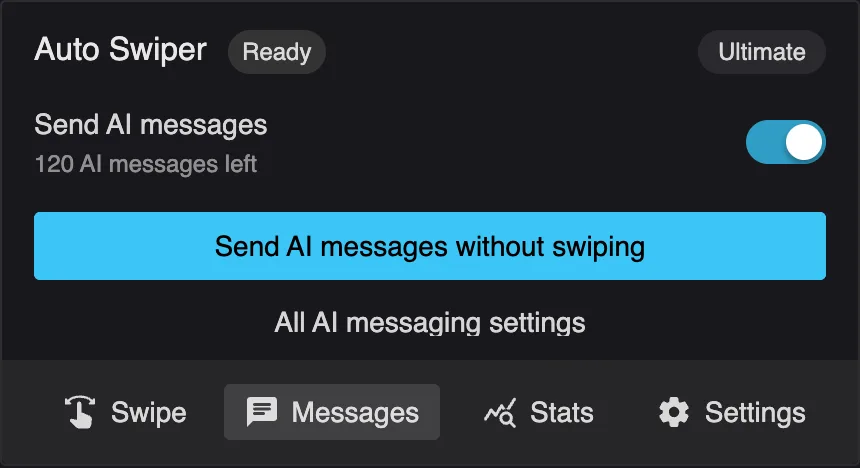
There's also Send AI messages without swiping, which works through your existing matches without starting a swipe session. Useful when you've built up a backlog.
Your instructions
The quality of the output depends almost entirely on what you tell it. Settings → AI messaging gives you two modes:
- Same instructions for every message — one prompt, applied to everyone. Simplest, and fine if you have a consistent style.
- Different instructions per message — vary the approach.
Write instructions the way you'd brief a friend: tell it your tone, roughly how long, and what to avoid. "Ask one specific question about something in their bio, keep it under two sentences, no compliments about appearance" produces dramatically better results than "write a good opener".
The single most useful instruction is usually a length limit. Left to itself, a language model writes a paragraph. Nobody wants a paragraph as a first message.
What it costs
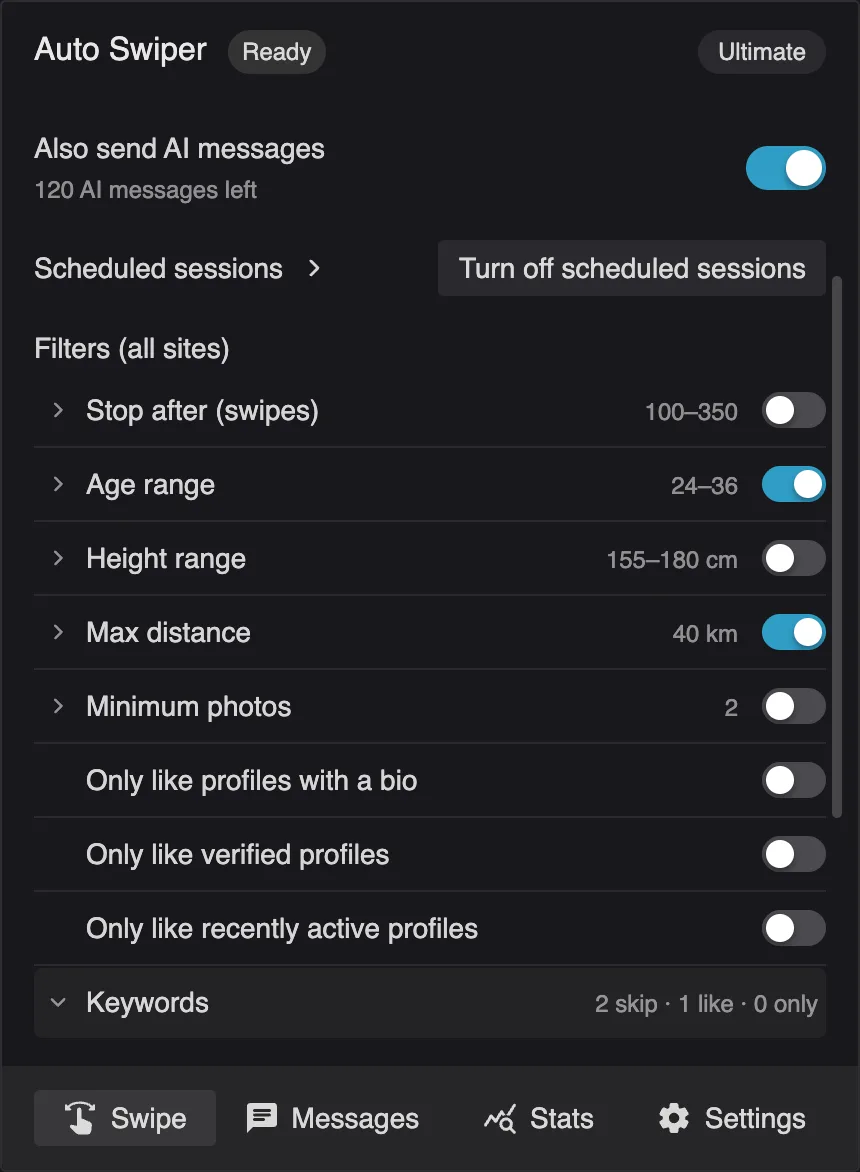
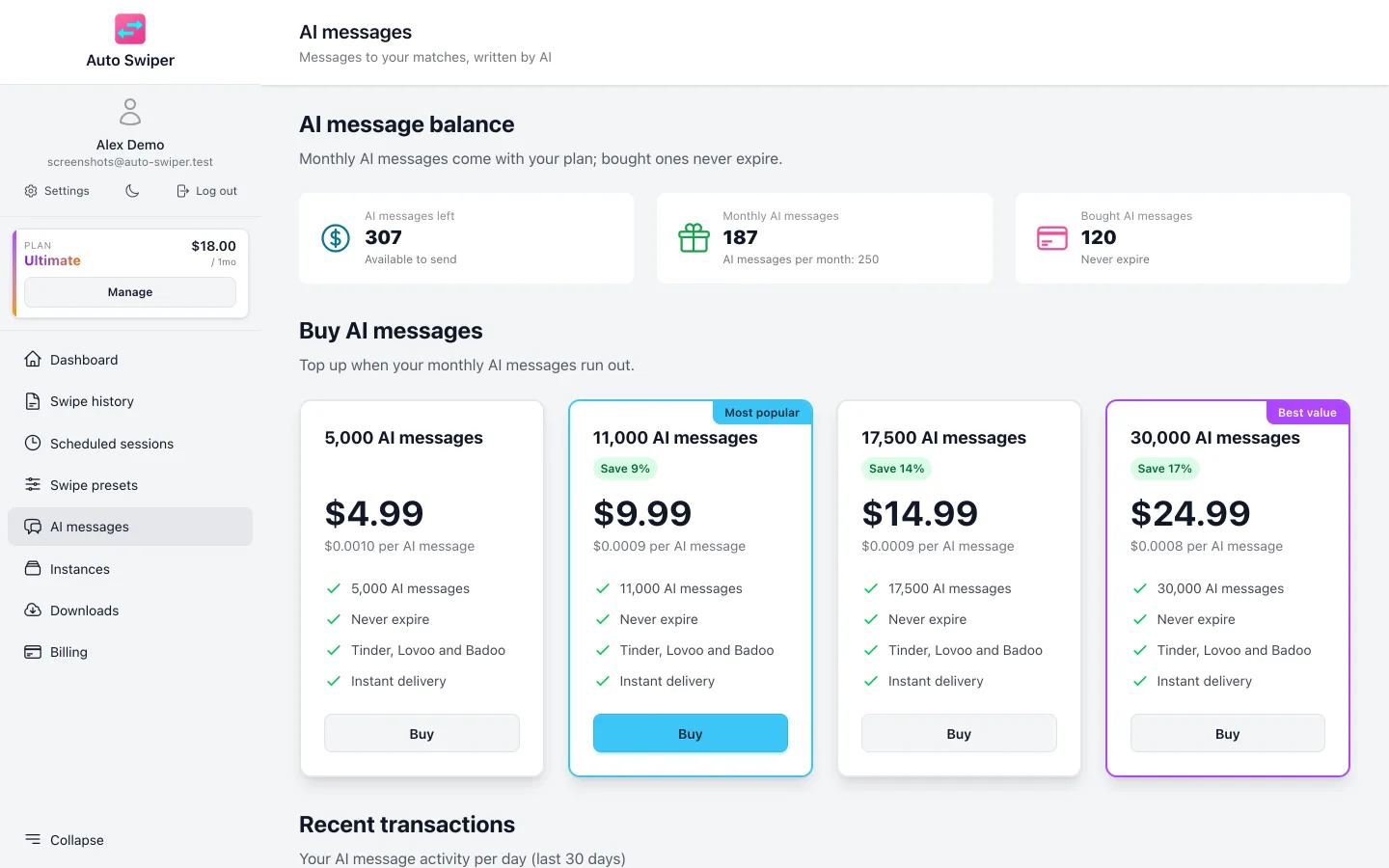
AI messages are counted separately from your subscription. Your plan includes a monthly allowance, and you can buy more if you run out. The popup's Messages tab shows the remaining balance — "120 AI messages left" — and the dashboard's AI messages page breaks down what's from your plan and what you bought.
A generated message costs one, whether you send it or discard it. A regenerate is another one. That's worth knowing if you're the type to hit regenerate five times.
Where it doesn't work
- Android. AI messages are browser-only for now.
- PoF, OkCupid and Match. The three supported sites are Tinder, Lovoo and Badoo.
- Conversations already in progress. This drafts openers. It is not a chatbot that will hold a conversation for you, and honestly, you don't want it to be — the point of a good opener is to get to a real exchange faster.
A word on using it well
The failure mode with automated openers is obvious in hindsight: you send a hundred well-crafted messages, get replies, and then can't keep up with the conversations you started. Or worse, the message promises a person who doesn't show up in the next reply.
Treat it as a first draft that saves you the blank-page problem, not as something that runs your dating life. Generate, glance at it, adjust the one word that isn't you, send.
The manual mode exists precisely because that workflow is better than full automation for most people. Start there.
Related reading
- Image blocking — save data while you swipe; it doesn't affect messaging.
- Filters, swipe modes and swipe presets explained — better matches mean better conversations.
- Getting started with the browser extension.