How to report a bug so we can actually fix it
Export your logs, tell us the site and the browser, describe what you expected. Here is exactly what to send so the first reply is a fix and not a question.
Most bug reports we get are one line: "it stopped working". We want to help, and we usually can — but the first reply has to be a list of questions, and that costs a day before anything happens.
This post is the list, up front. Send these things and there's a good chance the first reply is an answer.
Auto Swiper drives six dating websites and five Android apps, all of which change their interfaces without telling us. When something breaks it's almost always in one specific place, and finding it quickly depends entirely on knowing which place.
The short version
Browser extension: Settings → Help & troubleshooting → Email support. It saves your logs and opens a pre-filled email. Attach the file it just saved, fill in the template, send.
Android: Settings → Help & about → Report a problem (or the bug icon on the floating overlay). Write what happened in the notes field and send.
If you do only that, you've done most of it. The rest of this post explains what's in those reports and what to add.
Browser extension: export your logs
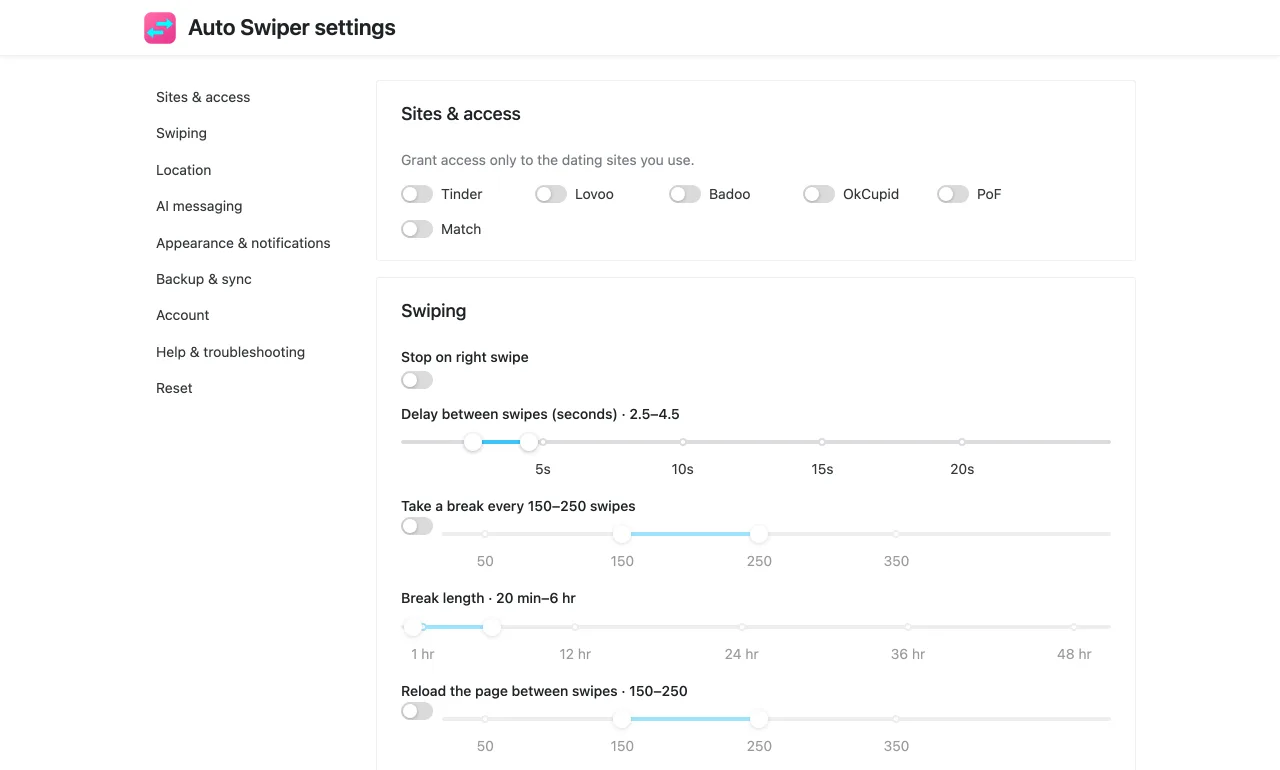
Open the popup, click Settings at the bottom, go to Help & troubleshooting. Three buttons matter:
Export logs downloads a file called something like auto-swiper-logs-2026-09-18T14-22-09.json. This is the single most useful thing you can send. It's what Auto Swiper saw on the page, step by step, at the moment things went wrong.
Email support does the whole job in one click: it saves the log file to your Downloads folder, then opens a new email to support@auto-swiper.ch with the subject pre-filled, a short template to describe the problem, and a block of diagnostics — your version, browser, user agent, locale and platform. Attach the file it just saved and you're done.
Copy debug info copies just the diagnostics block to your clipboard, for when you'd rather write in Discord.
There's also a Detailed logs (for support) switch on that page. If a problem is reproducible, turn it on, reproduce the problem once, then export. A detailed log of the actual failure is worth more than a normal log of everything else.
One thing to check before exporting: the logs should cover the failure. If you hit the bug yesterday and export today after a hundred successful swipes, the interesting part may have scrolled out.
Android: report a problem
The Android app works differently. There's no log file to attach — reports go straight to us, with a snapshot of what was on screen attached automatically.
Two ways in:
- The bug icon on the floating overlay, while the problem is happening. This is the better one, because it captures the screen in the broken state.
- Settings → Help & about → Report a problem, afterwards.
The screen shows what it captured automatically — the dating app, which step of the loop it was on, whether it had stalled, the swipe count — and gives you a notes field and an optional email address.
Fill in the notes field. A report with an empty note isn't sent at all; that's deliberate, because empty reports tell us nothing. And leave your email if you want a reply — without it, we can see the problem but can't get back to you.
What to write
Whichever route you use, these five things turn a report into a fix.
1. Which dating site or app, exactly. "Tinder in the browser" and "Tinder on Android" are entirely different code. If you use several, say which ones work and which don't — "Lovoo is fine, Badoo stopped" narrows it down enormously.
2. Which browser, or which phone. Chrome, Firefox, Edge, Brave, Opera, Vivaldi — and roughly which version. On Android, the phone model and Android version. Several bugs we've shipped only ever appeared in one browser.
3. Your Auto Swiper version. It's at the bottom of the Help & troubleshooting page, and in the pre-filled email. On Android it's in Help & about.
4. What you expected, and what happened. "It should have passed her, she's 45 and my range is 25–35, but it liked her." That sentence contains a filter, a value and an outcome. Compare it with "filters are broken".
5. How to make it happen again. If it happens every time, say what you do. If it happened once, say so — that's useful too, and it stops us hunting for a reproduction that doesn't exist.
A screenshot or a short screen recording is worth a lot, especially for anything visual. Cover up anything you'd rather not send.
Things that are usually not a bug
Worth checking before writing, because these come up constantly:
- It liked someone outside your filters. Check whether Swipe mode is set to Random — that mode switches your filters off entirely. Then check your Always like if profile mentions list, because it overrides age, distance and height.
- It passes on nearly everyone. Usually an Only like if profile mentions one of list that's too narrow. The keyword tester will show you this in a minute.
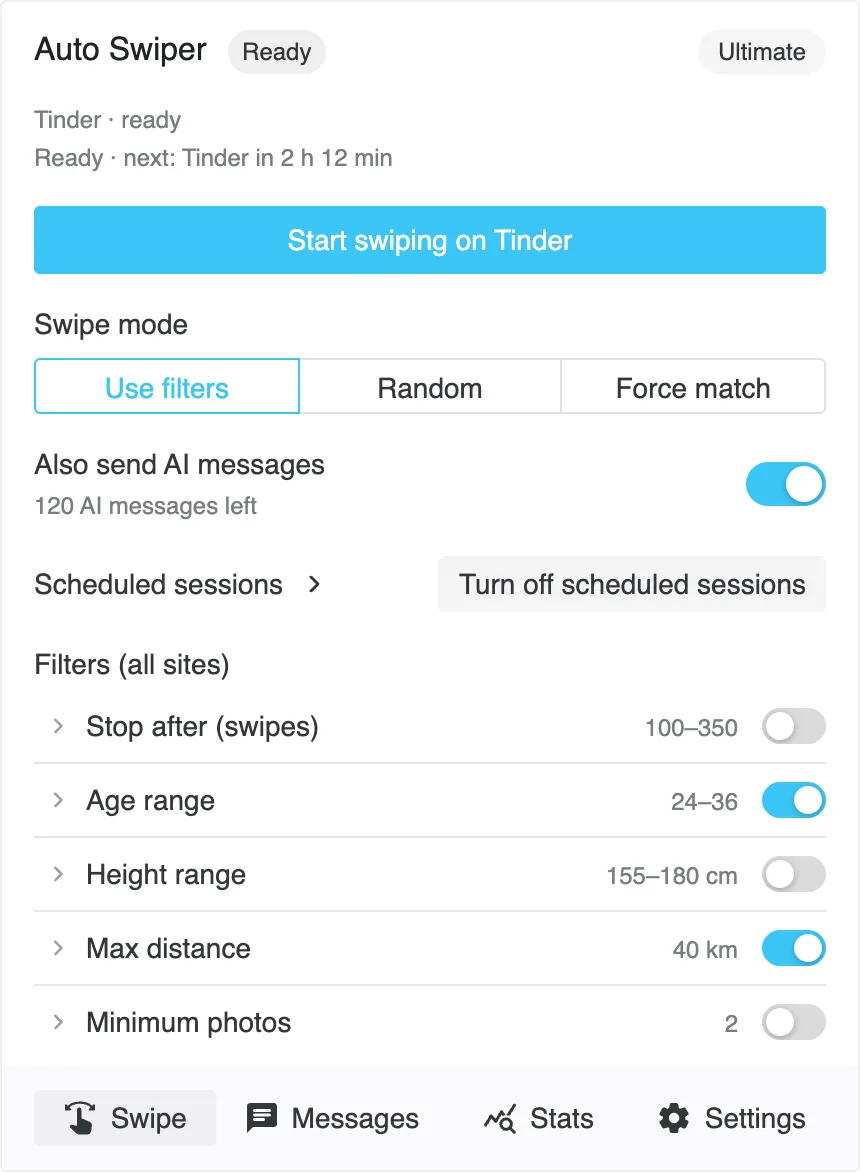
- The popup won't offer Start. You're probably on the wrong page of the site. Open the actual swiping screen.
- It stopped after a few hundred swipes. That's likely the site's own daily like limit. Auto Swiper shows a notification with a countdown to the reset.
- Something's missing after updating to 4.0. Most things moved into the full Settings tab. What's new in 4.0 has a "Where did it go?" section.
- Swiping stopped entirely in the browser. Another extension may be interfering. Auto Swiper can tell you which one — the warning appears in the popup.
Where to send it
- Email: support@auto-swiper.ch. We aim to reply within 48 hours.
- Discord: linked from the contact page. Good for quick questions and for finding out whether someone else is seeing the same thing.
Email is better for anything with a log file attached. Discord is better for "is this just me?".
One more thing
If a dating site has changed its layout, you are probably not the only one affected — but you might be the first to tell us, and that's genuinely how we find out most of the time. Platforms don't announce interface changes, so a report on the first day is worth far more than a fix a week later.
So please do send it, even if it feels small.